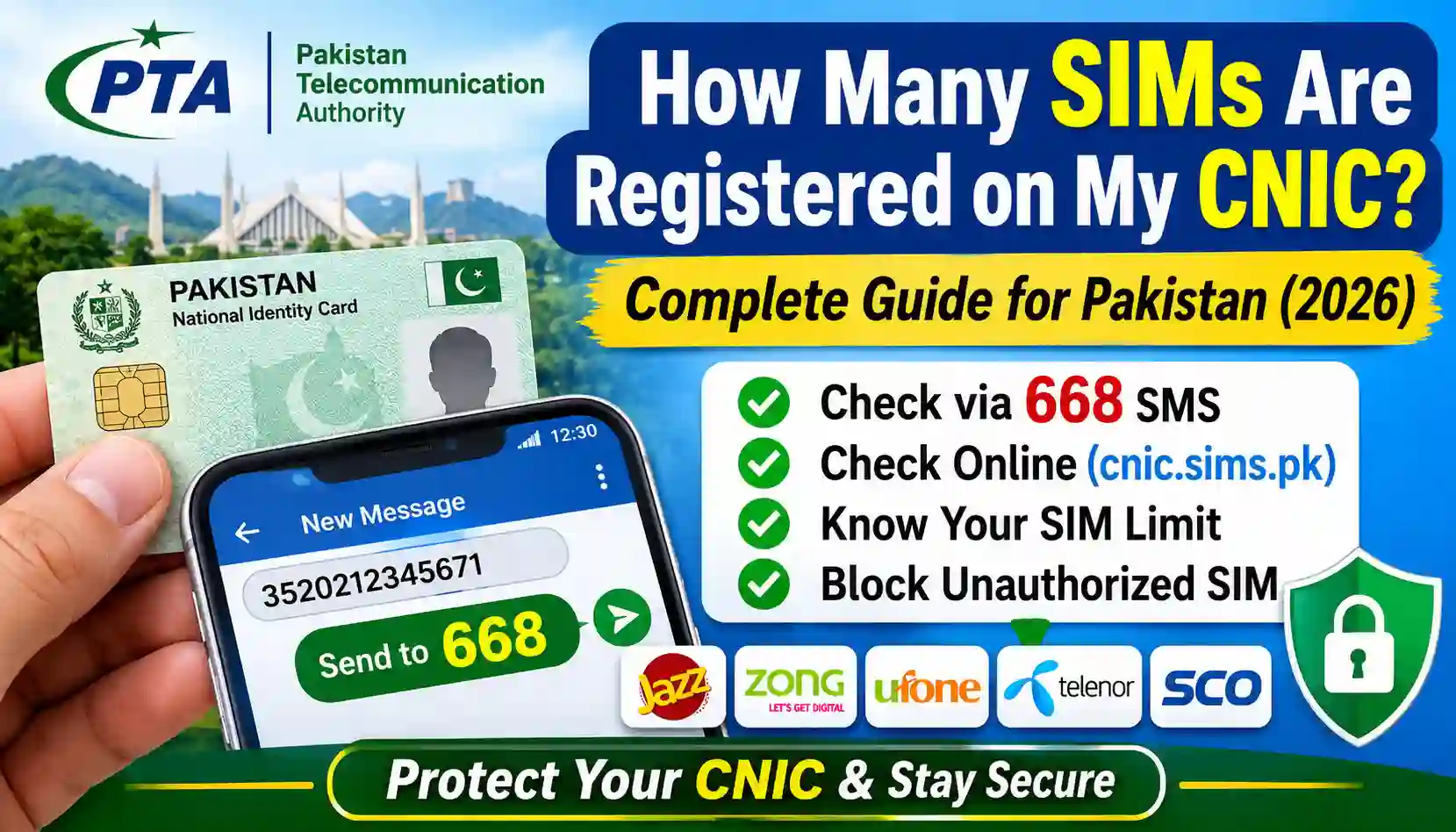
Learn how to check how many SIMs are registered on your CNIC in Pakistan. Use the official PTA 668 SMS service and online SIM information system.
Have you ever wondered how many mobile SIM cards are registered against your CNIC in Pakistan? Checking your registered SIM count is an important step in protecting your identity and preventing the unauthorized use of your personal information.
In Pakistan, mobile SIM cards are issued after identity verification, and the Pakistan Telecommunication Authority (PTA) provides official methods to check the number of SIM connections registered against your Computerized National Identity Card (CNIC).
Sometimes, people forget about old SIM cards they no longer use. In other cases, they may discover that additional connections are registered against their CNIC without their knowledge. These situations can create security and privacy concerns.
The good news is that you can check your SIM registration count without visiting a mobile network franchise or using an unknown third-party website.
In this complete guide, you will learn:
- How many SIMs are allowed on one CNIC in Pakistan.
- How to check SIMs registered on your CNIC online.
- How to use the official PTA 668 SMS service.
- How to identify unauthorized SIM registrations.
- How to block or disown SIM cards you no longer use.
- How to protect your CNIC from unauthorized SIM registration.
Let’s understand the complete process step by step.
How Many SIMs Are Allowed on One CNIC in Pakistan?
The number of SIM cards that can be registered against one CNIC is regulated under Pakistan’s telecommunications framework.
Under the commonly applied PTA limit, an individual can have a maximum of five voice SIM connections per CNIC at a time.
This limit applies across mobile networks, rather than providing a separate allowance of five SIMs for every operator.
For example, if you have connections from Jazz, Zong, Ufone, Telenor, and SCO, all applicable registrations count toward the permitted limit.
| Mobile Network | SIM Registration |
|---|---|
| Jazz | Counts toward the CNIC limit |
| Zong | Counts toward the CNIC limit |
| Ufone | Counts toward the CNIC limit |
| Telenor | Counts toward the CNIC limit |
| SCO/SCOM | Subject to applicable registration rules |
Important: Regulatory limits and the treatment of different connection types may change. Confirm the latest applicable rules through the official PTA website or your mobile operator before applying for a new connection.
How to Check How Many SIMs Are Registered on My CNIC?
There are two commonly used official ways to check the SIM count associated with your CNIC in Pakistan:
- PTA 668 SMS service.
- PTA SIM Information System website.
Both methods are useful for checking the number of registered SIM connections associated with your own CNIC.
Let’s look at each method.
Method 1: Check Registered SIMs Through PTA 668 SMS Service
The 668 SMS service is one of the easiest ways to check the number of SIM connections registered against your CNIC.
You do not need an internet connection or a smartphone to use this method.
Steps to Check SIMs Through 668
Follow these instructions:
Step 1: Open the SMS Application
Open the messaging application on your mobile phone.
Step 2: Enter Your CNIC Number
Type your 13-digit CNIC number without spaces or dashes.
For example:
3520212345671
Use your own CNIC number instead of the example.
Step 3: Send an SMS to 668
Send your CNIC number to:
668
Step 4: Receive the SIM Information
You will receive a response showing the number of SIM connections registered against your CNIC, generally categorized by mobile operator.
Step 5: Review the Information
Carefully review the results and compare the SIM count with the connections you actually own or use.
If you notice an unfamiliar registration or an unexpected number of SIMs, contact the relevant mobile network operator for verification.
Is the 668 SMS Service Free?
The 668 service may involve SMS charges depending on the applicable tariff and operator.
Check the current SMS charges with your mobile network before sending your request.
Remember: The 668 service provides SIM registration counts. It should not be treated as a public service for obtaining another person’s private SIM owner information.
Method 2: Check SIMs Registered on Your CNIC Online
You can also use the official PTA SIM Information System to check the number of SIM connections registered against your CNIC.
This method is useful for people who prefer using a computer, laptop, or smartphone with an internet connection.
Step-by-Step Guide
Step 1: Visit the Official PTA SIM Information System
Open the following official website: https://cnic.sims.pk
Step 2: Enter Your CNIC Number
Enter your 13-digit CNIC number in the required field.
Make sure the information is accurate.
Step 3: Complete the Verification
Follow the on-screen verification instructions, if displayed.
Step 4: Submit Your Request
Click the submit or verification button to process your request.
Step 5: View Your SIM Count
The system will display the available SIM registration information associated with your CNIC, generally organized by mobile operator.
Step 6: Check the Results
Compare the displayed information with your existing SIM connections.
If you find an unexpected registration, contact the relevant operator through its official customer support channels.
Benefits of Using the PTA Online SIM Information System
- No need to visit a mobile franchise just to check the SIM count.
- Accessible through a computer or smartphone.
- Helps identify unexpected SIM registrations.
- Provides operator-wise SIM count information.
- Uses an official PTA information system.
Note: The online system is intended for SIM-count verification. Do not expect it to provide complete private subscriber information, such as another person’s name, address, or CNIC details.
668 SMS vs PTA Online SIM Information System
Both methods help users check SIM registrations against their CNIC, but they work differently.
| Feature | 668 SMS Service | PTA Online Portal |
|---|---|---|
| Internet Required | No | Yes |
| Mobile Phone Required | Yes | No, a computer can also be used |
| CNIC Verification | Yes | Yes |
| Operator-wise Count | Available in response | Available on portal |
| Convenience | Useful without internet | Useful for online checking |
| Official Method | Yes | Yes |
Which method should you use?
If you do not have internet access, use the 668 SMS service.
If you prefer checking your SIM count through a website, visit the official PTA SIM Information System.
Both methods are suitable starting points for checking your own CNIC’s registered SIM count.
How to Check SIMs Registered on Your CNIC by Mobile Network
Pakistan has several mobile network operators, and your CNIC may have connections from different networks.
The PTA SIM Information System can help you understand how many connections are associated with each operator.
Here is a brief overview.
1. Jazz SIM Check
Jazz customers can check their CNIC-associated SIM count through the PTA 668 SMS service or online portal.
For operator-specific assistance, visit: https://jazz.com.pk
2. Zong SIM Check
Zong users can check their registered SIM count through the official PTA verification methods.
For additional information, visit: https://www.zong.com.pk
3. Ufone SIM Check
Ufone customers can use the PTA SIM Information System to review their CNIC-associated registrations.
For support, visit:https://www.ufone.com
4. Telenor SIM Check
Telenor customers can use the official PTA methods to check their registered SIM count.
For operator support, visit:https://www.telenor.com.pk
5. SCO/SCOM SIM Check
Customers using SCO/SCOM connections should also verify their registration information through the applicable official channels.
For more information, visit: https://www.sco.gov.pk
What Should I Do If I Find Unknown SIMs Registered on My CNIC?
Finding an unfamiliar SIM registration against your CNIC can be concerning.
However, you should not panic. First, verify the information through the relevant mobile network operator.
An unfamiliar registration may relate to an old connection, a SIM you have forgotten, or a registration that requires further investigation.
Follow these steps.
Step 1: Identify the Relevant Mobile Network
Check which operator is showing the unexpected SIM count.
For example, if you have two Jazz SIMs but the PTA system displays three, contact Jazz to investigate the additional registration.
Step 2: Visit an Authorized Franchise
Visit the relevant mobile network’s authorized service center or franchise.
Take your original CNIC with you.
Step 3: Request SIM Registration Verification
Explain that you want to verify all connections registered against your CNIC.
The operator may require identity verification and biometric authentication.
Step 4: Request Disowning or Blocking
If an unauthorized or unwanted SIM is confirmed, ask the operator about the appropriate process for blocking or disowning it.
Step 5: Keep Your Complaint Reference
If you submit a complaint, keep its reference number and any supporting documentation.
This can help you follow up on the issue.
Step 6: Contact PTA if the Issue Remains Unresolved
If the operator does not resolve your complaint, you can escalate the matter through PTA’s official complaint channels.
Official PTA website: https://www.pta.gov.pk
How to Remove an Unauthorized SIM From Your CNIC
If you discover a SIM connection that you do not recognize, contact the relevant mobile network operator as soon as possible.
The operator can explain the verification, blocking, or disowning procedure applicable to your situation.
Generally, the process involves:
- Visiting an authorized franchise or customer service center.
- Presenting your original CNIC.
- Completing the required identity and biometric verification.
- Identifying the connection you want investigated.
- Requesting blocking or disowning where appropriate.
- Obtaining confirmation of the request.
The exact procedure may differ between mobile operators and the type of registration.
You should never share your CNIC details, OTPs, or biometric information with unknown individuals or unofficial websites.
Why Is It Important to Check SIMs Registered on Your CNIC?
Checking your SIM registration count is not just a routine activity. It is also an important identity-security measure.
Here are some reasons why you should periodically verify your registrations.
1. Protect Your Identity
Your CNIC is an important identity document in Pakistan.
Checking registered SIMs helps you identify unexpected mobile connections associated with your identity.
2. Prevent Unauthorized SIM Usage
An unfamiliar SIM registration may require investigation.
Checking your records can help you take action through the relevant mobile operator.
3. Avoid Registration Limit Issues
If your CNIC has reached its applicable SIM registration limit, you may need to review old or unused connections before applying for another SIM.
4. Keep Your Mobile Connections Organized
You may have purchased SIM cards years ago and stopped using them.
Regular verification helps you identify connections that need to be reviewed or disowned.
5. Improve Personal Security
Keeping your identity information secure and checking your SIM registrations can reduce the risk of problems associated with unauthorized mobile connections.
Common Reasons Why Extra SIMs May Appear on Your CNIC
Sometimes, people see more SIM registrations than they expected.
There can be several explanations.
- Old SIM cards: You may have forgotten about connections purchased years ago.
- Unused connections: A SIM may still be registered even if you no longer use it.
- Replacement or ownership records: A previous replacement or registration process may need clarification.
- Incorrect assumptions: You may be confusing a SIM count with the number of active SIMs you personally use.
- Unauthorized registration: A connection may have been registered without your knowledge and needs investigation.
Do not assume that every unexpected count automatically means fraud. Ask the relevant operator to verify the actual registration details.
Can I Check Someone Else’s SIMs Using Their CNIC?
The PTA SIM Information System is intended for legitimate SIM registration verification.
You should only use CNIC information when you have the legal authority or permission to do so.
Checking someone else’s private subscriber information without authorization can raise serious privacy and legal concerns.
The official PTA services should be used for their intended purpose: checking SIM registrations and protecting your own identity.
Avoid websites that promise to reveal private subscriber information, home addresses, or confidential CNIC records.
Tips to Protect Your CNIC From Unauthorized SIM Registration
Your CNIC information should always be handled carefully.
Follow these practical security tips:
- Do not share your CNIC copy with unknown people.
- Avoid submitting personal information to suspicious websites.
- Never share SMS verification codes or OTPs.
- Use authorized mobile network franchises for SIM-related services.
- Verify your registered SIM count periodically.
- Report suspicious registrations to the relevant operator.
- Keep complaint receipts and reference numbers.
- Do not purchase SIM cards through unauthorized sellers.
These simple precautions can help protect your personal information.
Official Websites for SIM Verification in Pakistan
Always prefer official sources when checking SIM registrations or seeking assistance.
| Organization | Official Website | Purpose |
|---|---|---|
| Pakistan Telecommunication Authority | https://www.pta.gov.pk/ | Telecom regulations and complaints |
| PTA SIM Information System | https://cnic.sims.pk/ | CNIC-based SIM count |
| NADRA | https://www.nadra.gov.pk/ | Identity documentation and verification |
| Jazz | https://jazz.com.pk/ | Jazz customer support |
| Zong | https://www.zong.com.pk/ | Zong customer support |
| Ufone | https://www.ufone.com/ | Ufone customer support |
| Telenor | https://www.telenor.com.pk/ | Telenor customer support |
| SCO | https://www.sco.gov.pk/ | SCO/SCOM information |
Always verify that you are using the correct official website before entering personal information.
Frequently Asked Questions (FAQs)
1. How many SIMs are registered on my CNIC?
You can check your registered SIM count through the PTA 668 SMS service or the official PTA SIM Information System at https://cnic.sims.pk/.
2. How can I check SIMs registered on my CNIC online?
Visit https://cnic.sims.pk/, enter your 13-digit CNIC number, complete the required verification, and submit your request.
3. How can I check my SIM count through SMS?
Open your messaging application, type your 13-digit CNIC number without dashes, and send it to 668. You will receive the available SIM registration information.
4. Is the PTA SIM Information System free?
The online PTA SIM Information System is generally available without a website access fee. However, mobile network data charges may apply.
5. Can I check all mobile networks using one CNIC?
The PTA SIM Information System provides operator-wise information for supported mobile networks, allowing you to review the registrations associated with your CNIC.
6. Can I check SIM owner details using 668?
The 668 service is intended to provide SIM registration counts associated with a CNIC. It is not a public database for obtaining private subscriber names or addresses.
7. What if I find an unknown SIM on my CNIC?
Contact the relevant mobile network operator, visit an authorized service center, complete the required verification, and request investigation or disowning if necessary.
8. Can I check my SIM count without an internet connection?
Yes. You can use the PTA 668 SMS service without an internet connection. Standard SMS charges may apply.
9. How often should I check my CNIC SIM registration?
There is no need to check every day. Periodic verification, particularly when you suspect an unauthorized registration or before obtaining another SIM, is a sensible precaution.
10. Does the PTA portal show SIM owner names?
The PTA SIM Information System is designed for SIM-count verification. It does not serve as a public source for private subscriber names, addresses, or complete ownership records.
11. What should I do if the SIM count is incorrect?
Contact the relevant mobile network operator and request a review of your CNIC registration records. If the issue remains unresolved, submit a complaint through PTA’s official channels.
12. Can I remove an unused SIM from my CNIC?
Yes. Contact the relevant operator and follow its official SIM disowning procedure. You may need to visit an authorized franchise and complete identity or biometric verification.
Conclusion
Knowing how many SIMs are registered on your CNIC is an important part of protecting your identity in Pakistan.
Fortunately, you do not need complicated software or an unofficial database to check your SIM registration count.
You can use two straightforward methods:
- Send your 13-digit CNIC number to 668 through SMS.
- Visit the official PTA SIM Information System at https://cnic.sims.pk/.
Both methods can help you review the SIM connections associated with your CNIC.
If you discover an unfamiliar registration, contact the relevant mobile network operator and request proper verification. Take action through official channels to block or disown any connection that should not remain registered against your identity.
Stay informed, protect your CNIC, and regularly verify your SIM registrations using official PTA services.
Disclaimer: This article is published for educational and informational purposes. SIM registration information should be checked through official PTA services and authorized mobile network operators. This website is independently operated and is not affiliated with PTA, NADRA, or any mobile network operator.
For More Details to Check Sim Owner Details